When I first started managing a remote team, I thought I had it all figured out.
Spoiler: I didn’t.
I quickly learned that remote team management isn’t just about having video calls and sending tasks. It’s about building a system where work flows smoothly even when everyone’s in different time zones.
After a lot of trial, error, and “why did no one tell me this sooner?” moments, I built a ClickUp workflow that keeps my team productive, connected, and (most importantly) happy. Here’s the blueprint we use every day.
Scattered tools were killing our productivity. Some updates lived in email, others in chat, and tasks… well, they were everywhere.
Now, ClickUp is our single source of truth for:
● Tasks & deadlines
● Project updates
● SOPs and workflows (stored in ClickUp Docs)
● Quick answers (thanks to ClickUp Brain AI)
When everything lives in one place, no one wastes time digging for info.
In remote work, “I thought you were doing that” is a productivity killer.
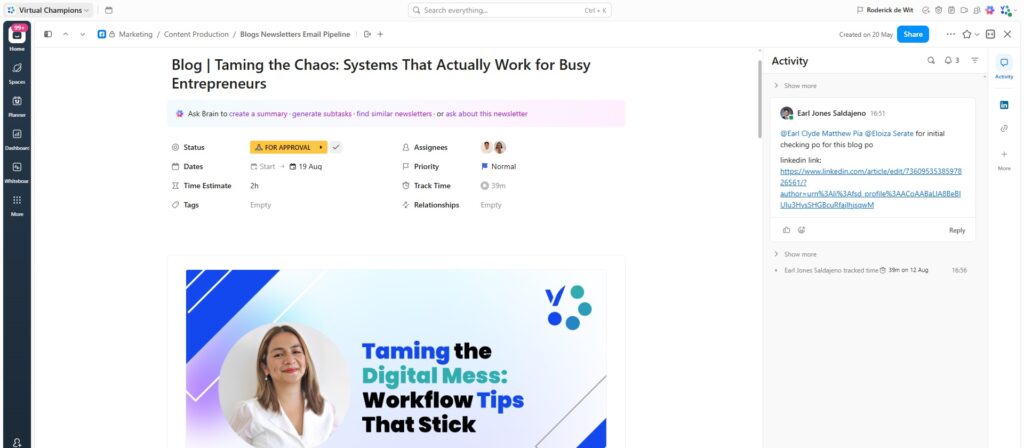
We set up ClickUp task templates with:
● Assignee(s)
● Due dates
● Priority levels
● Dependencies
This means everyone knows exactly who’s responsible for what and by when.
Our Standard Operating Procedures used to live in a dusty Google Drive folder no one opened.
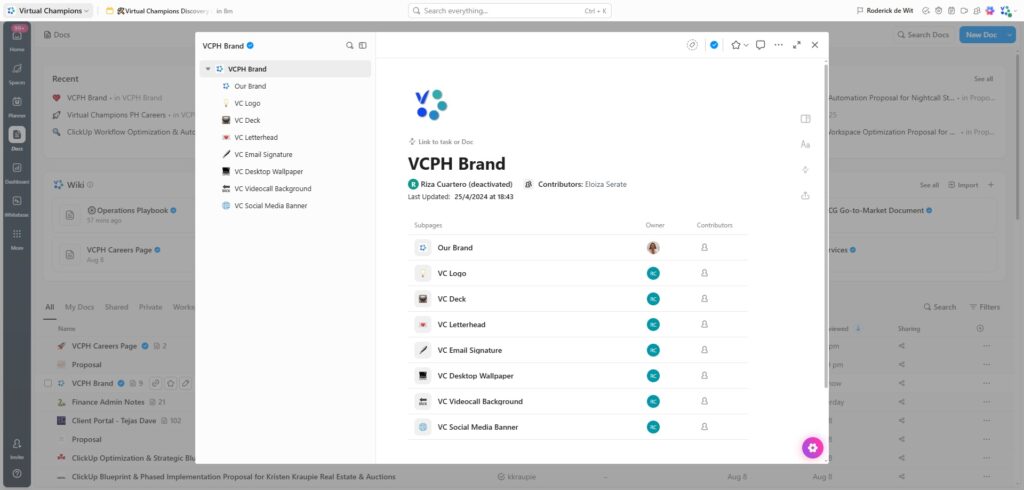
Now they live inside ClickUp Docs and our ClickUp Wiki, linked directly to tasks. That way, when a teammate opens a task, the “how-to” is right there with no extra searching.
Bonus: ClickUp Brain AI makes it ridiculously easy to search SOPs by asking a question and getting the exact doc in seconds.
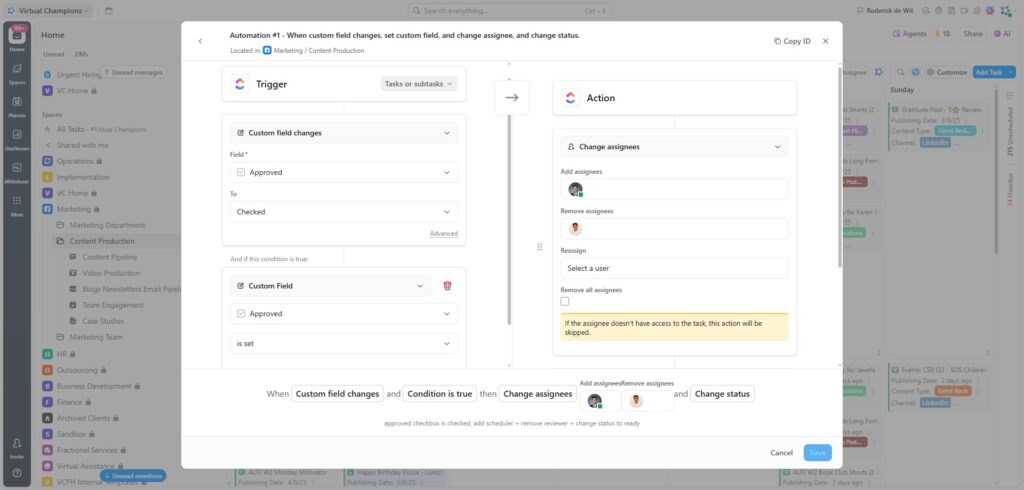
If we’re doing the same click three times a week, we automate it.
Some of our favorite ClickUp automations:
● Move a task to “In Progress” when a custom field changes
● Auto-assign subtasks when a project starts
● Notify the right people when something’s ready for review
These small automations add up to big time savings and fewer dropped balls.
With this ClickUp for teams workflow, we’ve:
● Cut meeting time in half
● Reduced missed deadlines by over 40%
● Onboarded new hires in days, not weeks
The best part? I can take a day off without Slack blowing up.


 Want a remote team that runs like clockwork, even when you’re offline? At Virtual Champions PH, we help set up ClickUp systems that do the thinking (and reminding) for you.